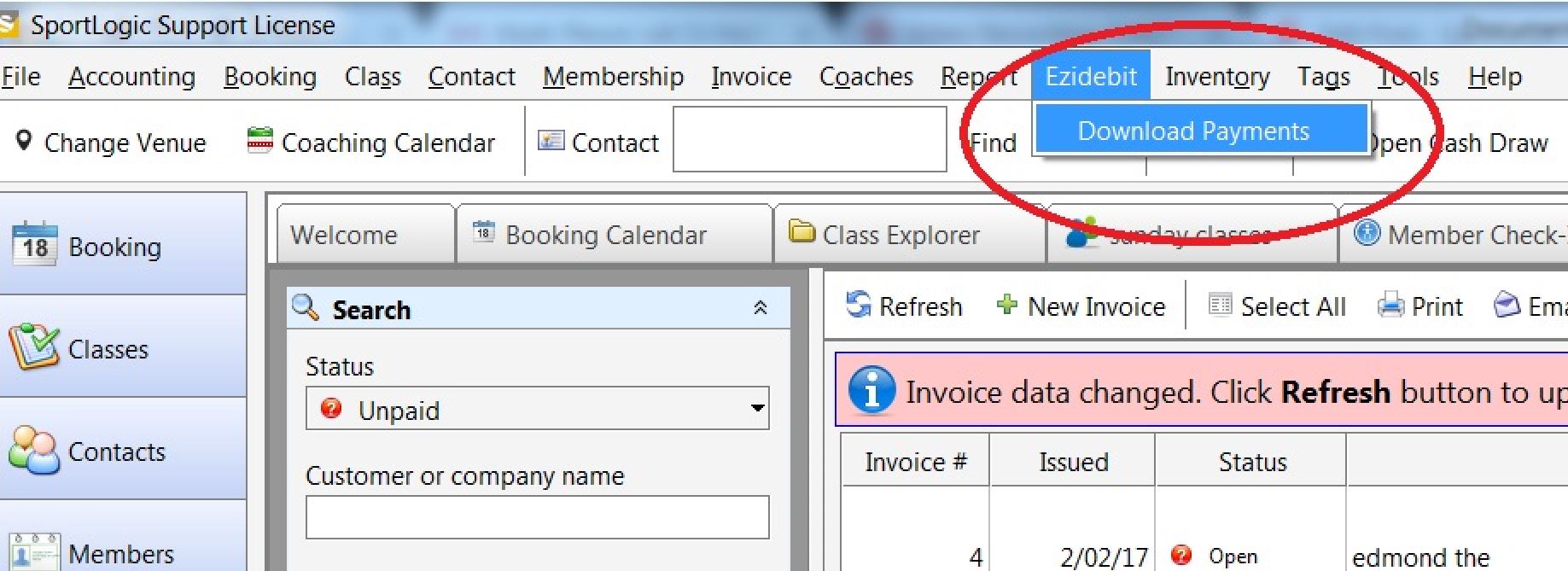
Customer calls in saying that she has performed a transaction through ezidebit and has received the amount in her account. However, the transactions are not showing on the invoice in InTennis.
Resolution :
Check with the customer if she is aware of the ezidebit Download Payments option in the InTennis software. If she is not aware of this feature, then inform the customer to do the following.
Click on the Ezidebit tab from the menu bar and click on Download payments. This will download and update all pending ezidebit transactions till date.