Evolution Settings – Enter the settings –
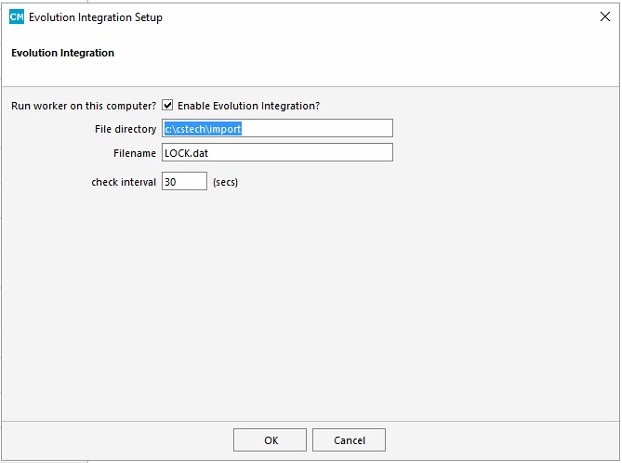
File –>Config–>Evolution Integration
enter details – (example – Bondi squash )
File directory : c:\cstech\import
Filename: LOCK.dat
check interval: 30 secs
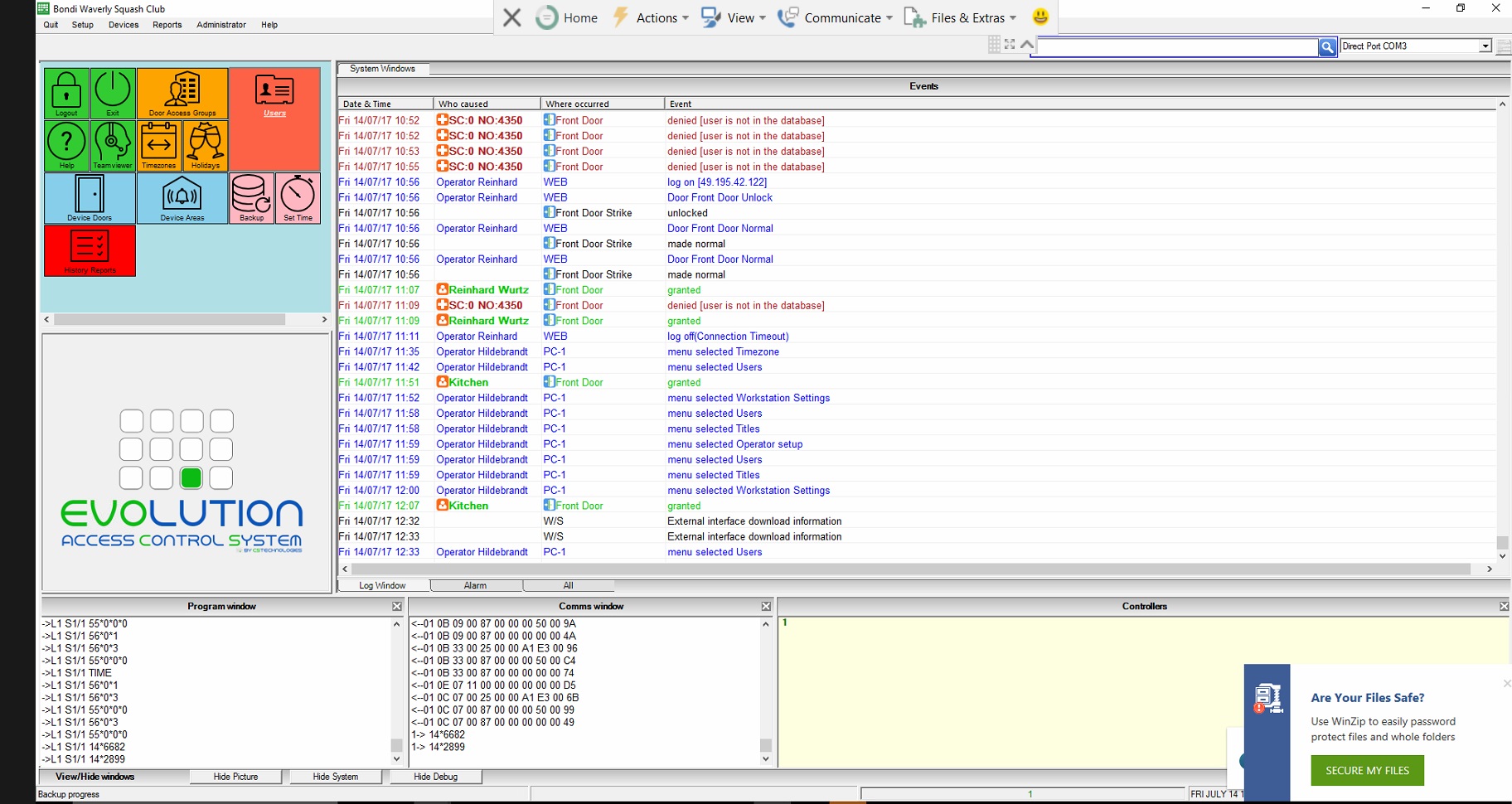
Screenshot of the evolution software:
Go to menu: Technician > Features
(Note: the Technician menu is only available to user of type “Technician”)
Tick the “External interface” checkbox. Set the import filename e.g.
c:\cstech\import\LOCK.DAT
Poll time 30 (30 seconds) Timeout 0.