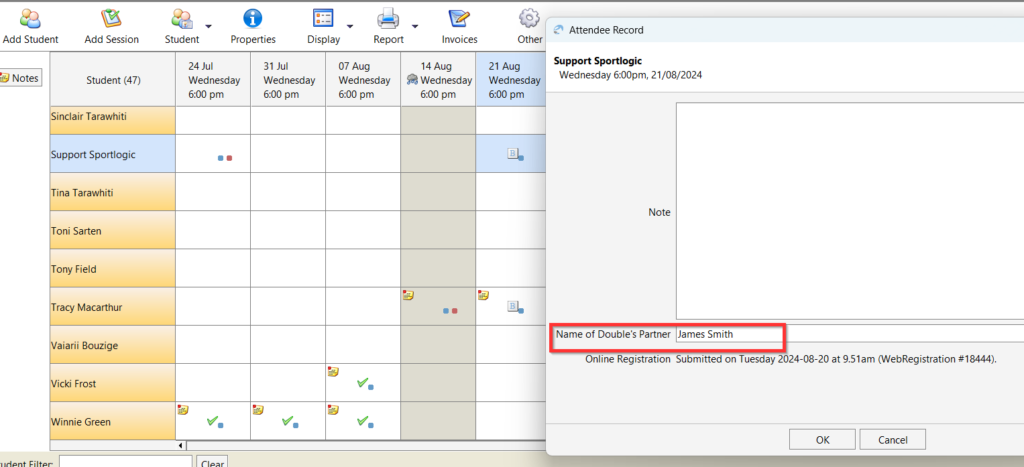
As requested by Gold Coast Pickle ball. Their volunteers use the mobile app to mark attendance and to organize Pairs for doubles. Since they do not have access to the desktop, they need this info displayed on the mobile app.
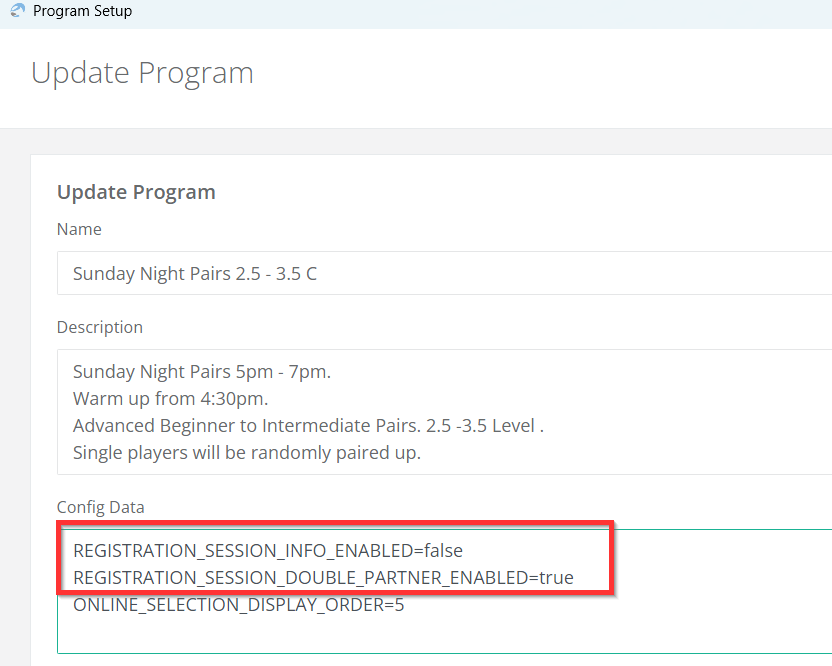
Add this property to program config – REGISTRATION_SESSION_DOUBLE_PARTNER_ENABLED=true
REGISTRATION_SESSION_INFO_ENABLED=false is to be used if site property has the settings below else it is not required.
customer.module.RegistrationControllerV1.registration_form_v1.session.info.enabled=true
customer.module.RegistrationControllerV1.registration_form_v1.session.info.note.label=Please enter double's partner name:
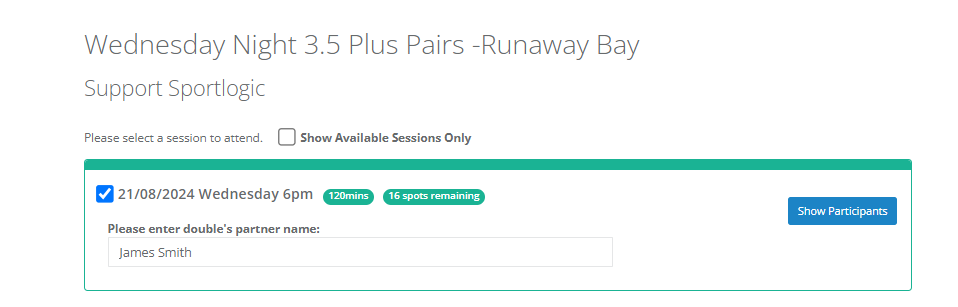
How customer enter the name from the customer portal
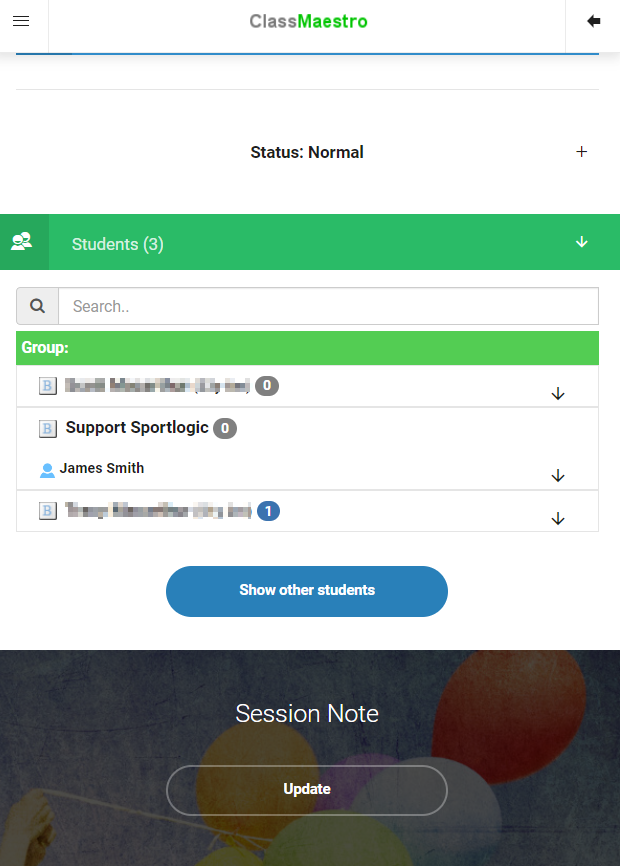
How it is displayed on the Mobile app.
How it is displayed on the desktop app.