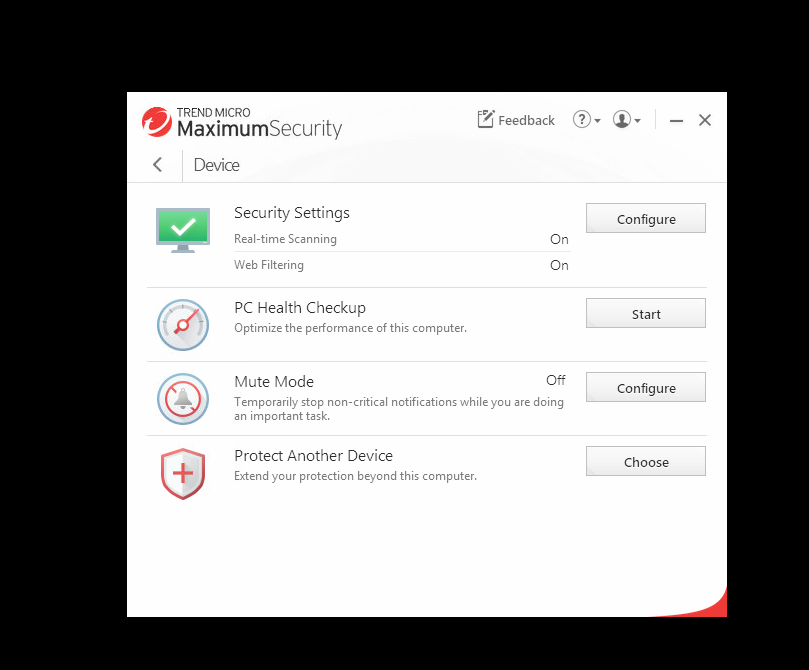
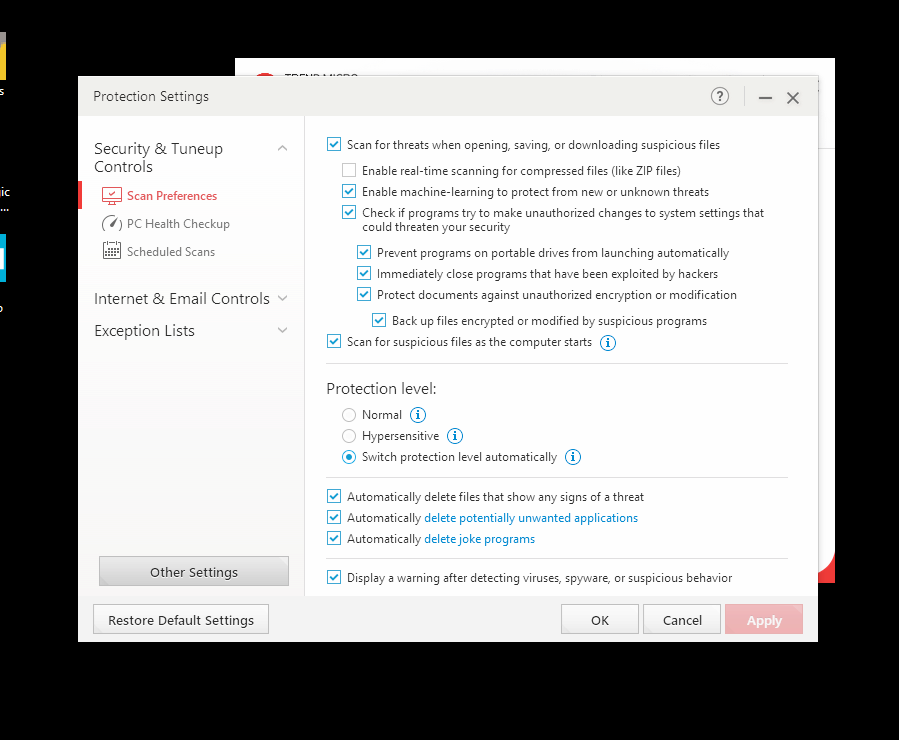
Some antivirus software e.g. Trend Macro blocks inTennis from launching. There may be no warning/error message so it can be difficult to troubleshoot.
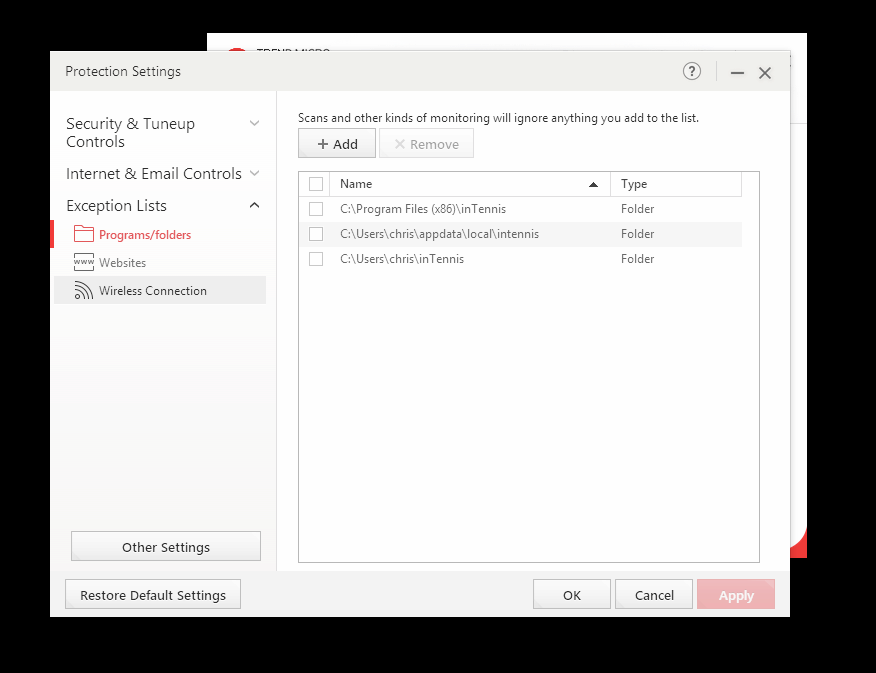
For Trend Macro, add “c:\users\username\appdata\inTennis” to the Exceptions List. Note – The Browse button may not let you choose AppData directory as it is a hidden folder. We can just type in the full path in the Browse window.