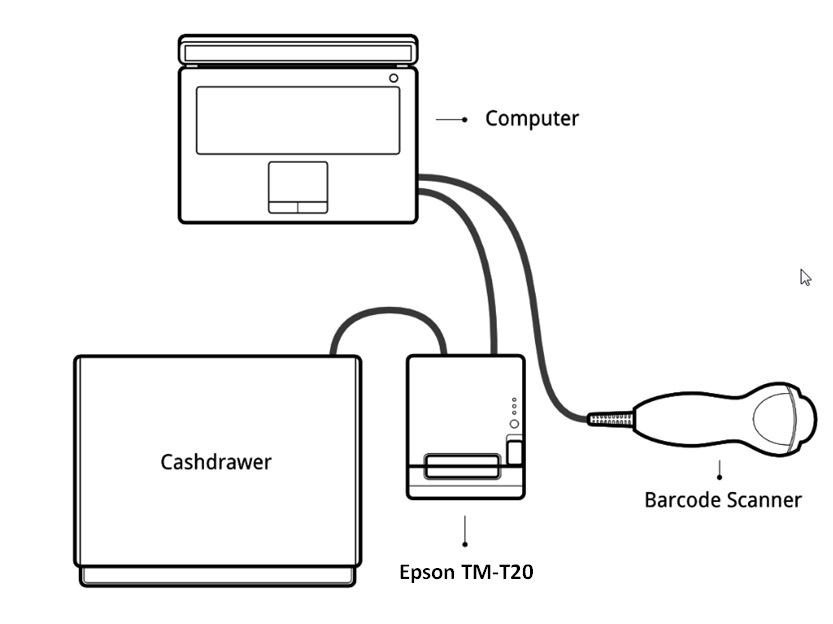
Printer – EPSON TM-T20 : Connect an ESC/POS printer to a USB port and power it on.
Cash drawer: The cash drawer should be connected to the printer with an RJ25 cable.
Barcode scanner: Connect your barcode scanner. In order for your barcode scanner to be compatible it must behave as a keyboard and must be configured in US QWERTY. It also must end barcodes with an Enter character (keycode 28). This is most likely the default configuration of your barcode scanner.