Login to the control panel and open the customer details.
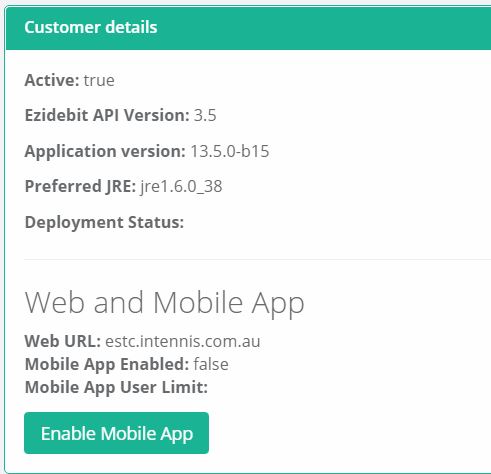
Click on the Enable mobile App and specify the no. of users – 10, 20 or more than 30
MAILCHIMP TRIGGER –
- In mailchimp update the mobile app start date for the customer for the list ‘SportLogic ClassMaestro Customer’. This will trigger an email to be sent from mailchimp after 10 days reminding the customer that their trial is going to end soon.